Configure the white-label banner
Edited
We offer white label partners the ability to create banners in their own style, so it appears as if your agency provides the cookie banner.
Step 1
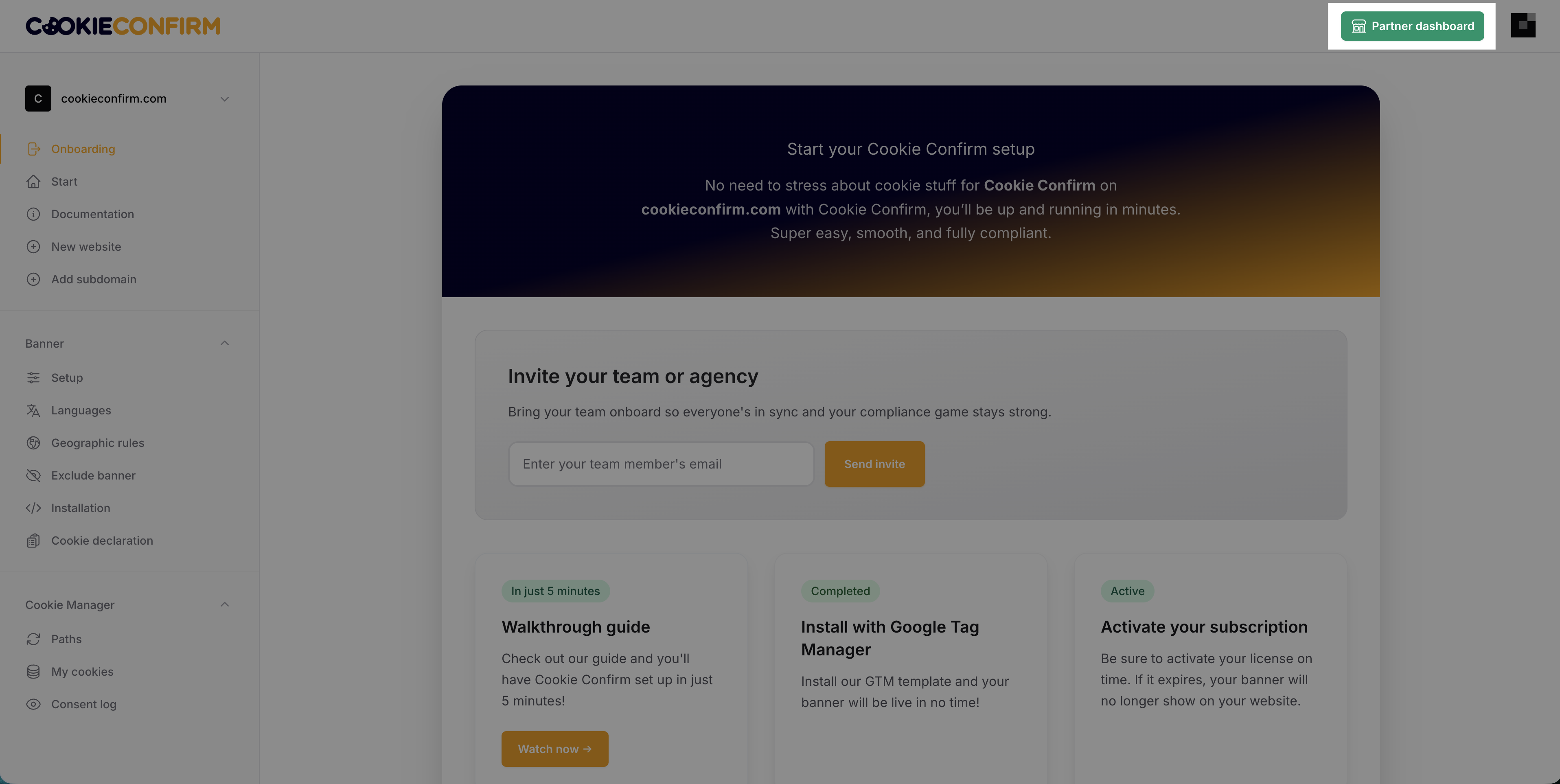
Click on 'Partner dashboard' in the top right corner once you are logged in.
Step 2
Click 'White label settings' at the top to adjust the banner settings to your own branding, so it appears as if your agency offers this product instead of Cookie Confirm.
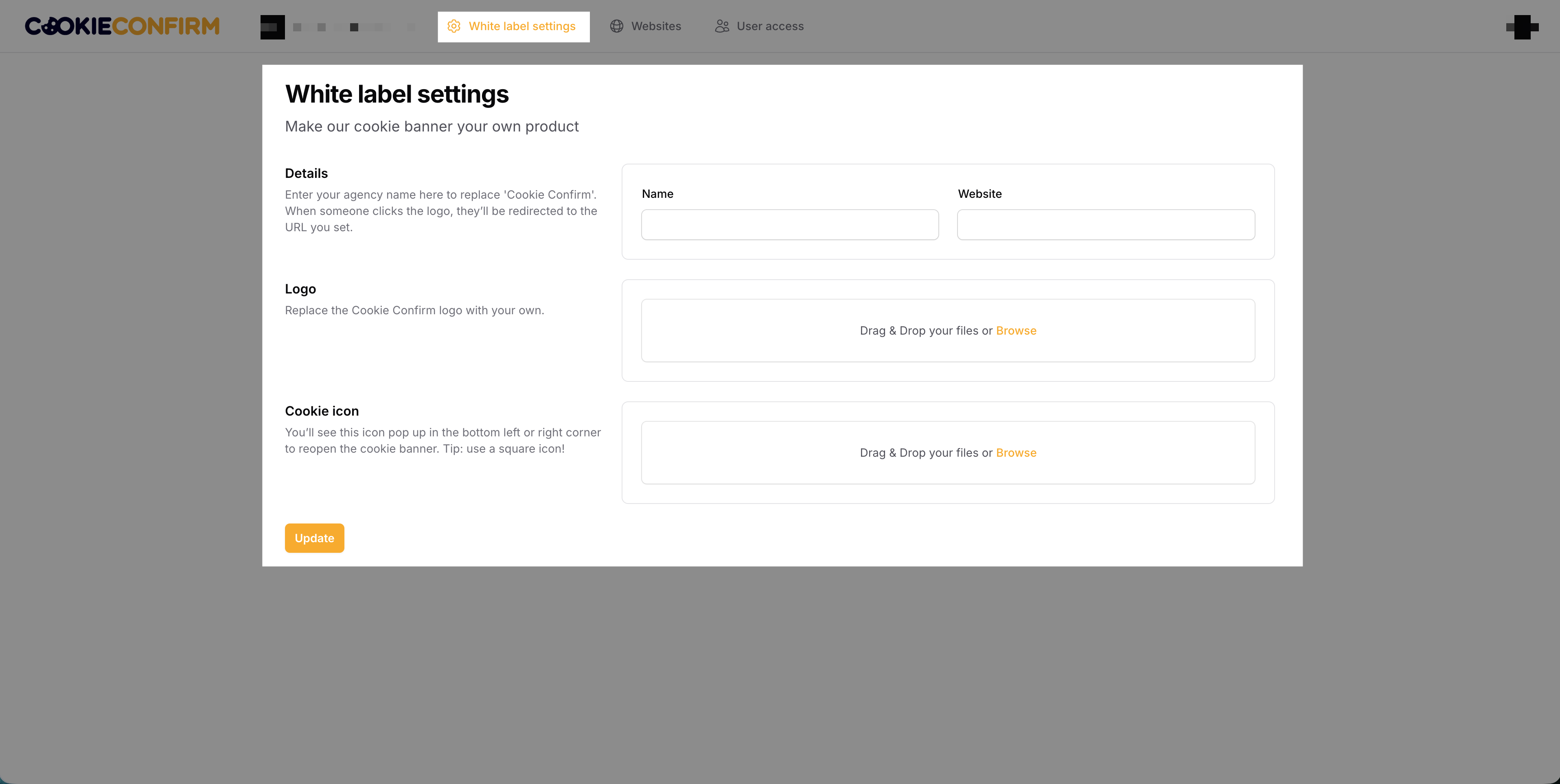
⚠️ If the settings are left blank, the default Cookie Confirm branding will be displayed. Make sure to fill in all the fields with your own branding details.
Was this article helpful?
Sorry about that! Care to tell us more?