Invite customers
As a reseller, there are two ways to claim websites for commission. However, we always recommend doing this through your partner dashboard, so you’ll automatically get access to your client’s account as soon as they create it.
1. Through your partner dashboard (recommended)
Step 1
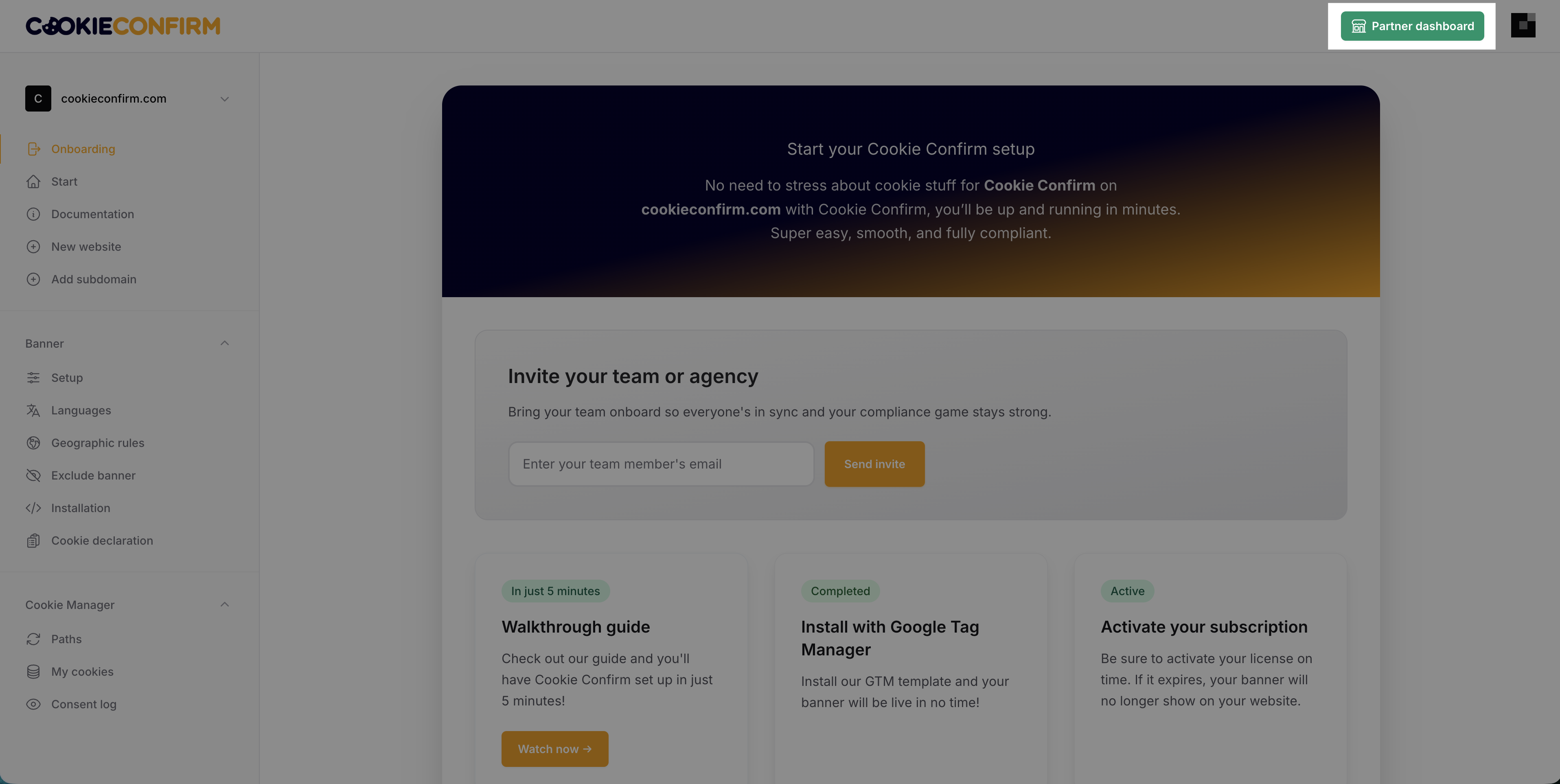
Click on 'Partner dashboard' in the top right corner once you are logged in.
Step 2
Click 'Referrals' at the top and use the 'Invite client (reseller)' button. Enter your client’s email address, and we’ll send them an invitation on behalf of your reseller account.
Once your client accepts, you’ll automatically receive an email from us. From that moment on, you’ll have access to their account, and it will be linked to your reseller account.
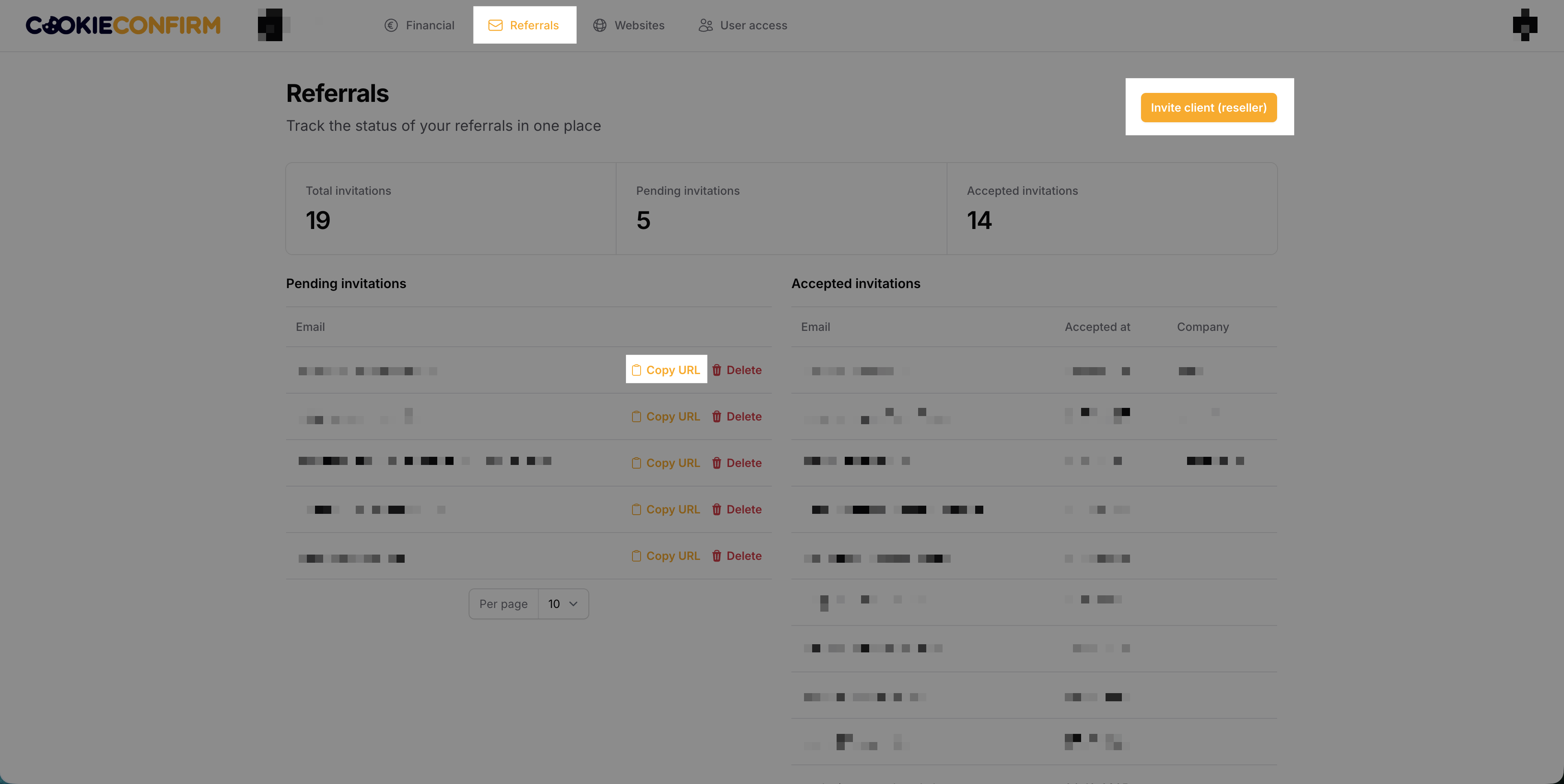
💡 If your client says they didn’t receive the email, you can click 'Copy URL' and share the invitation link with them. Please note that this link is unique for each client.
2. Using your referral code
Already have a client who created their own account? No problem. They can simply add your personal referral code.
They can find this setting by going to 'My companies', selecting the company, and clicking 'Edit company'. In the top right corner, you’ll see a button called 'Apply referral code'.
Just make sure your client does this within 14 days, after that, a company can no longer be claimed.
💡 Your client will still need to grant you access to their account if they only add the referral code.