Commission payout
Edited
You will receive a monthly overview showing how much commission you’ve earned from the clients you referred. Once your balance reaches €50.00, you can request a payout.
Step 1
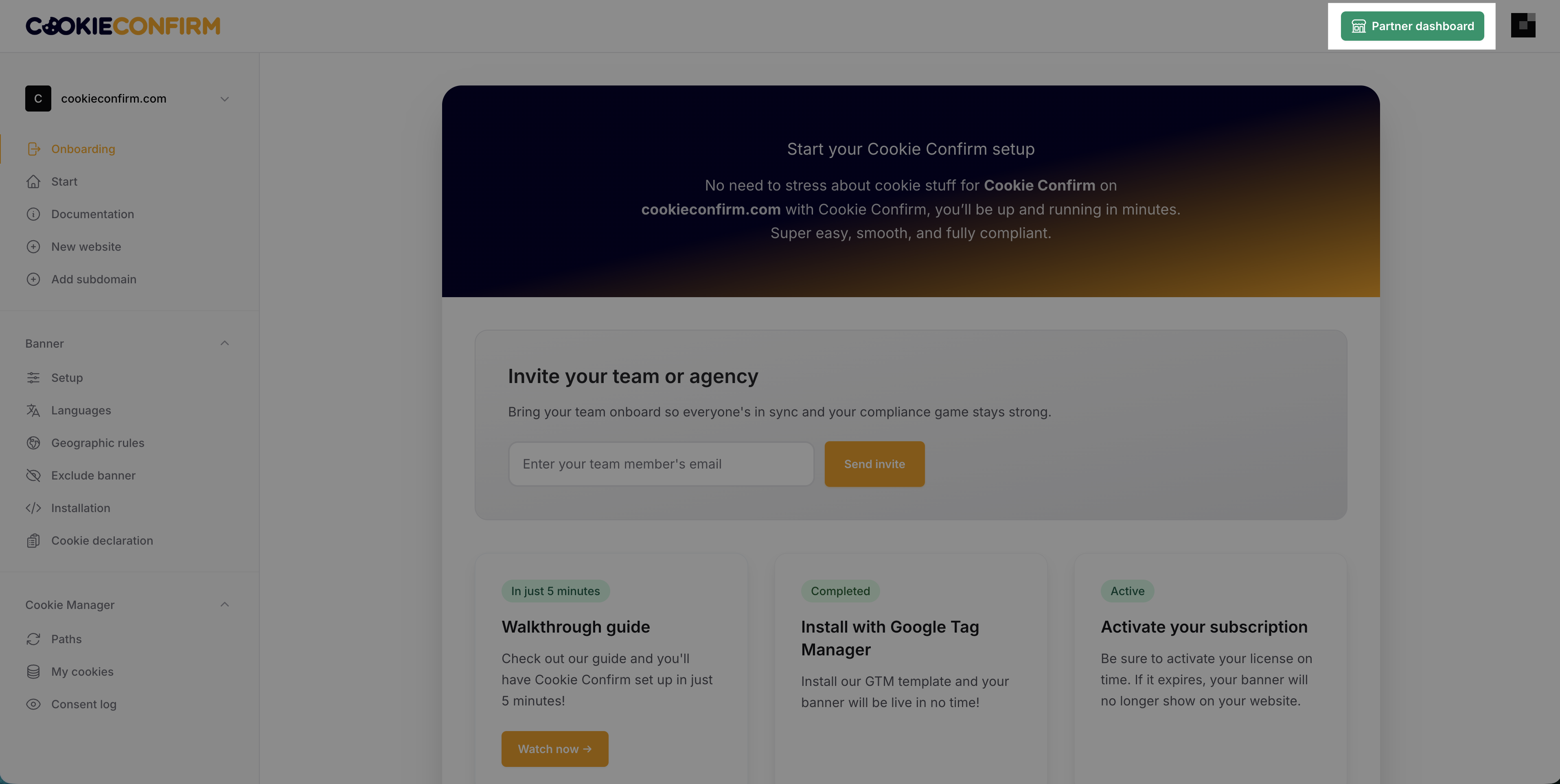
Click on 'Partner dashboard' in the top right corner once you are logged in.
Step 2
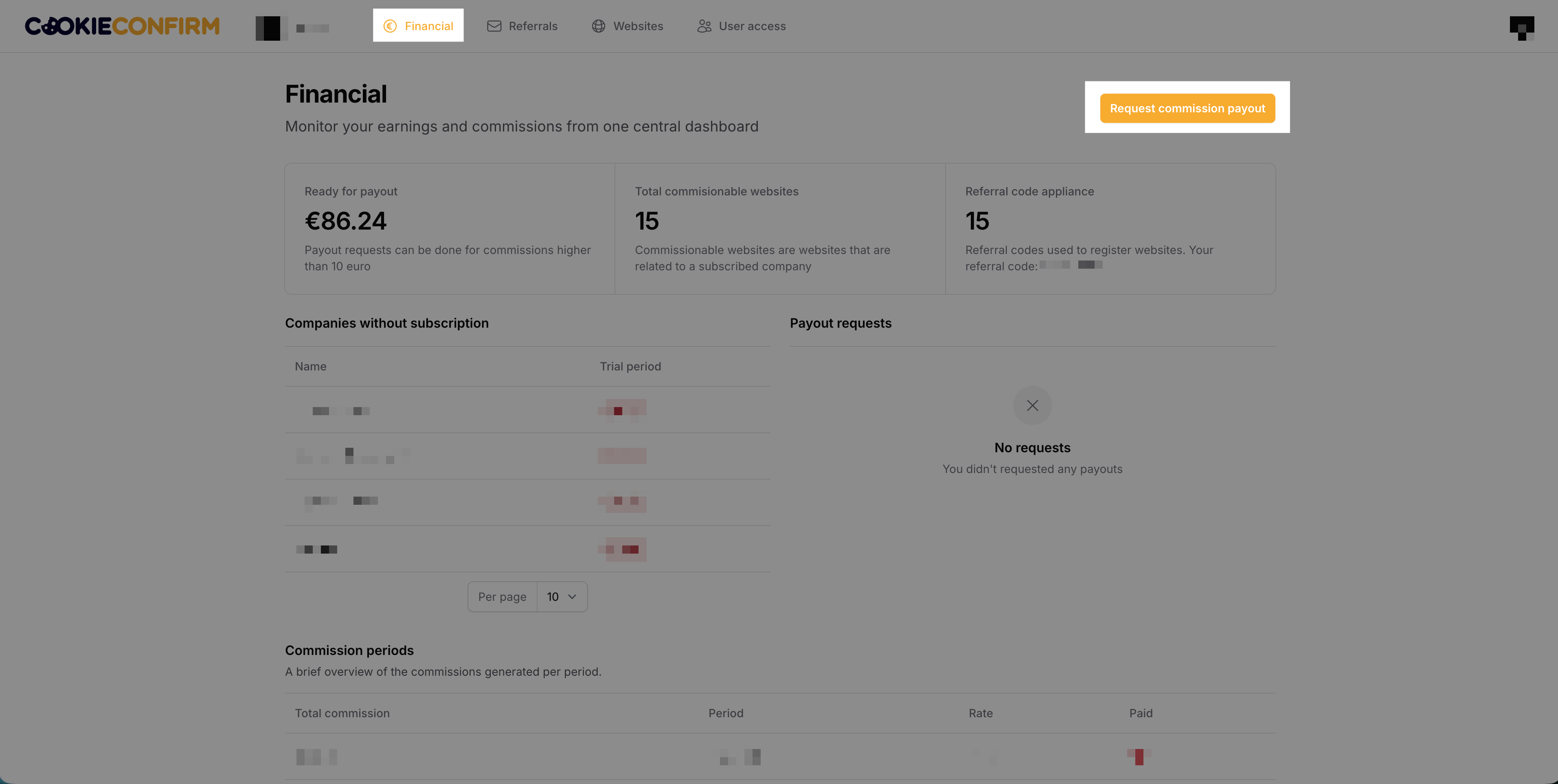
Click 'Financial' in the top menu to see a complete overview of the commission you’ve earned each month. You can also see which companies do not yet have an active subscription.
Once your balance reaches €50.00, you can request a payout and upload an invoice for the outstanding commission. You can do this by clicking the 'Request commission payout' button. Submitted invoices are always paid within 14 days.
Was this article helpful?
Sorry about that! Care to tell us more?